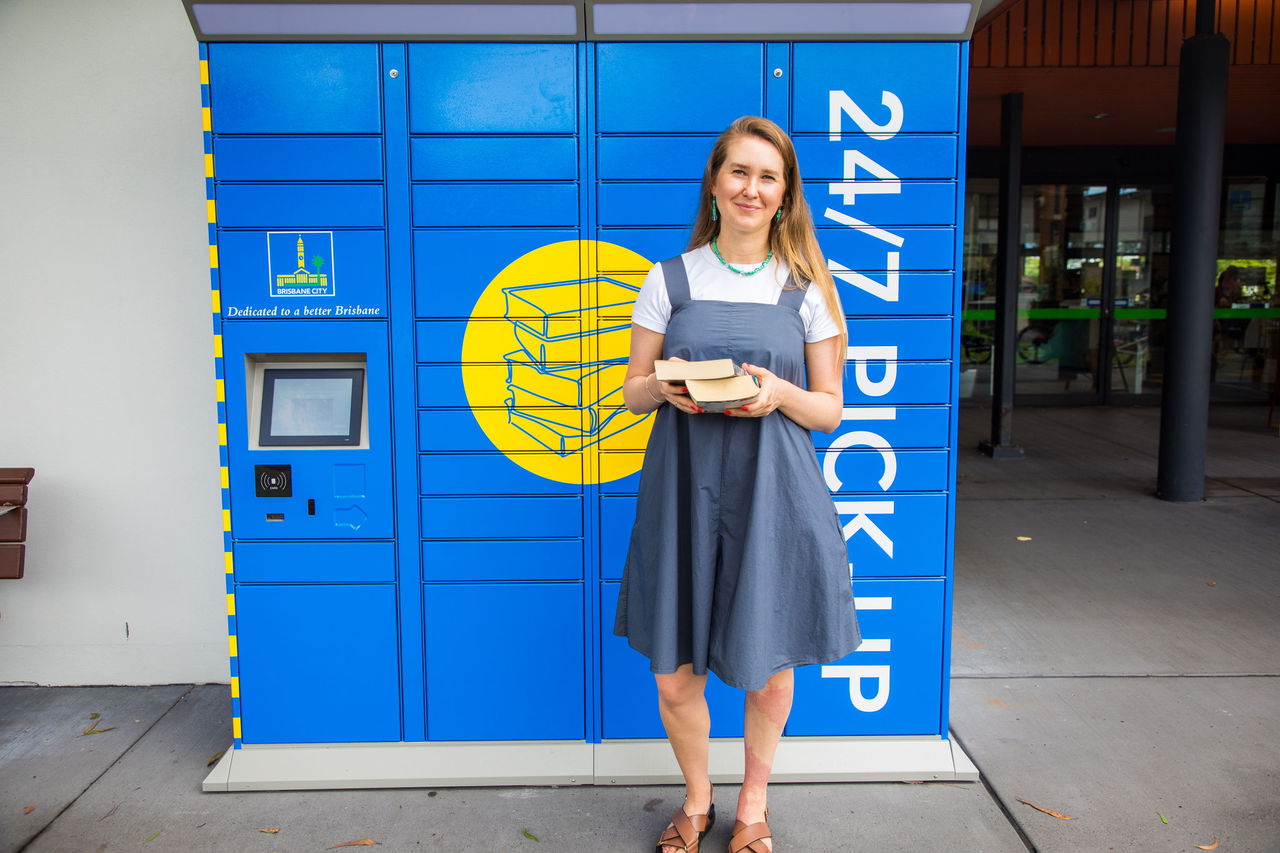
The 24/7 library locker ‘how to’ video shows an image of the 24/7 library locker located on the covered outdoor deck at Holland Park Library, with the text ‘How to use Council’s 24/7 library lockers’.
The ‘how to’ video then shows close-up vision of a library customer using an iPad to scroll through a search result on Brisbane City Council’s online library catalogue. When the customer finds the search result item they would like to borrow from the library, they click on the ‘Place Hold’ button associated with the library item. A ‘Place Hold(s)’ pop-up menu appears on the iPad screen, and the library customer clicks on the drop-down menu to nominate their preference for ‘Pickup Library’. The customer is shown selecting ‘Holland Park 24/7 Library Locker’ from the list of library locations. The customer then clicks on the ‘Place Hold(s)’ button, and the pop-up menu updates to read that the hold has been successfully placed. The customer then clicks on the ‘OK’ button to close the pop-up menu.
The ‘how to’ video then shows close-up vision of a library customer using a mobile phone to open the BNE Libraries app. The library customer clicks on the digital library card icon at the bottom of the screen, and the customer’s library membership barcode appears on the screen.
The ‘how to’ video then shows the library customer walking towards the 24/7 library locker, located on the covered outdoor deck at Holland Park Library. The customer holds his mobile phone with the library membership barcode loaded on the screen against the 24/7 library locker barcode scanner. The ‘how to video shows close-up vision of the 24/7 library locker screen, with the title ‘Holland Park Library’ and the screen subheading for ‘Hold(s) Collection’, and underneath these headings the customer’s list of current hold items appears. The library customer presses the ‘Select All’ button on the screen, and then presses the ‘Check-Out Selected’ button on the screen.
The ‘how to’ video then shows close-up vision of one door on the 24/7 library locker popping open, and the customer reaches in to retrieve his hold items from the open locker.
The ‘how to’ video then shows close-up vision of the 24/7 library locker display screen, which shows as each item on the library customer’s hold list is ticked on the list as collected, and the video returns to close-up vision of the customer lifting his hold items from the open locker. The library customer pushes the door shut.
The ‘how to’ video then shows close-up vision of the 24/7 library locker display screen, which shows all items listed on the screen with a green tick for collection, and the customer presses the ‘Done’ button on the screen. The screen updates with a message that reads ‘Thank you – Items checked out: 5’.
The ‘how to’ video changes to a blue screen featuring Brisbane City Council’s logo, and text that reads ‘To place a hold or for more information visit www.brisbane.qld.gov.au/libraries’.